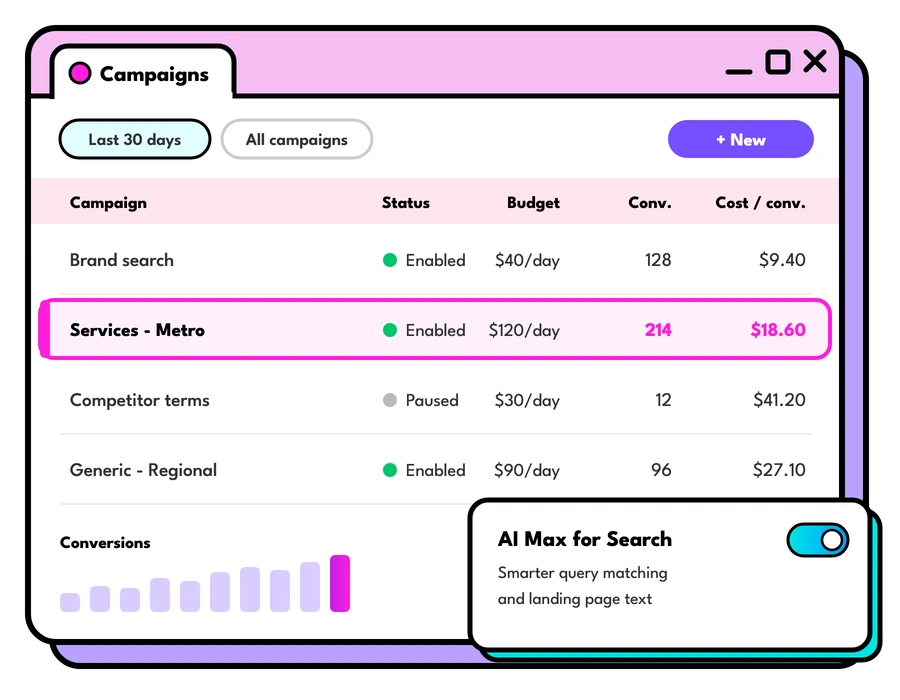


Does deciding on your Ads budget make you break into a cold sweat? We get it, it can be overwhelming sometimes 🥴🥴 Your Google Ads budget depends on your company’s overall marketing budget, as well as the average value of each of your sales.
How much does Google Ads cost in Australia?
The short answer: you set the budget. Google Ads has no minimum spend, and you pay for clicks (or views, on video), so a small business can start with a modest daily budget while a big retailer spends hundreds of thousands a month. What you get for that budget depends on your cost per click, and that's set by an auction every time someone searches.
Two Australian specifics worth knowing up front. Google adds 10% GST on top of your ad spend if your account has an Australian business address, which it has done since November 2016. If you're registered for GST you can claim it back like any other business expense. And most published benchmarks are in US dollars, so convert them before you compare.
Average cost per click (CPC)
Your cost per click is what you pay each time someone clicks your ad. Google doesn't publish an official Australian average, and the figures you'll see quoted online vary a lot, so we treat any single "average" with caution.
The most widely used benchmark is LocaliQ's annual search advertising benchmarks, built from its customers' Google Ads and Microsoft Ads campaigns. Its 2026 edition puts the average cost per click across all industries at US$5.42, with an average click-through rate of 6.64%. Your own cost per click in Australia can sit well above or below that, so use it as a rough guide and check your actual keywords in Google Keyword Planner, which shows bid ranges for the exact location you want to target.
Average cost per click by industry
The same report shows how much the cost per click changes from one industry to the next:
| Industry | Average cost per click (US$) | Average conversion rate |
|---|---|---|
| Arts & Entertainment | $1.63 | 5.91% |
| Restaurants & Food | $2.05 | 8.05% |
| Travel | $2.14 | 5.83% |
| Real Estate | $3.22 | 3.70% |
| Finance & Insurance | $3.39 | 2.64% |
| Shopping, Collectibles & Gifts | $4.14 | 4.01% |
| Apparel, Fashion & Jewellery | $4.44 | 4.50% |
| Physicians & Surgeons | $4.76 | 12.43% |
| Education & Instruction | $4.81 | 13.14% |
| Business Services | $5.87 | 4.85% |
| Health & Fitness | $6.17 | 6.94% |
| Dentists & Dental Services | $8.00 | 10.67% |
| Home & Home Improvement | $8.33 | 8.05% |
| Attorneys & Legal Services | $9.87 | 5.55% |
Source: LocaliQ Search Advertising Benchmarks 2026.
A high cost per click can still be great value. Dentists pay about twice as much per click as gift retailers, but convert far more of those clicks into bookings, and each new patient is worth a lot. That's why we always look at the cost per click alongside the conversion rate and what each customer is worth to you.
What affects Google Ads cost in your industry
A few things push your cost per click up or down:
- Competition: the more businesses bidding on the same keyword, the higher the price. Legal, dental and home improvement keywords are crowded because each new customer is worth so much.
- Customer value: industries where one sale or lead is worth thousands can afford to pay more per click, which lifts the price for everyone in that auction.
- Location: targeting all of Australia, one city or a 10km radius around your store changes who you're competing with.
- Timing and seasonality: costs often rise in busy periods like Black Friday, Christmas and EOFY, when more advertisers are bidding.
- Your keywords: broad, generic keywords like "shoes" are usually pricier and less targeted than specific ones like "women's wide fit walking shoes".
- Your Quality Score: more on this below, because it's the one you have the most control over.
How Google decides what you pay per click
Every time someone searches, Google runs an auction among the advertisers bidding on that search. Your position depends on your Ad Rank, which combines your bid with the quality of your ad and landing page, along with the context of the search and the assets (like sitelinks) on your ad.
Here's the part that surprises most people: you usually pay less than your maximum bid. Google charges just enough to clear the minimum thresholds and beat the Ad Rank of the advertiser below you. So a high quality ad can win a better position and still pay less per click than a competitor with a bigger bid.
Quality Score and your cost per click
Quality Score is Google's 1 to 10 rating of how relevant your ads and landing pages are for each keyword. You'll find it in the Keywords view of your account once you add the Quality Score columns. It's built from three parts, each rated above average, average or below average:
- Expected click-through rate: how likely people are to click your ad when it shows.
- Ad relevance: how closely your ad matches what the person searched for.
- Landing page experience: how useful and relevant your landing page is once they click.
Google describes Quality Score as a diagnostic tool and says it isn't used directly in the auction. The things it measures do feed into Ad Rank, though, so improving them generally means better positions for a lower cost per click.
How to lift it: group keywords into tight themes, write ads that use the words people search, and send each click to the most relevant page, like a product or category page instead of your home page. Make sure that page loads fast on mobile and makes the next step obvious.
What you pay on Search, Shopping and YouTube ads
Different campaign types charge in different ways, so your budget stretches differently across them.
Search ads
The text ads at the top of Google search results. You pay per click, and the price comes from the keyword auction above. Search is where people with the strongest intent are, so it's often the first place we put budget for our clients.
Shopping and Performance Max
Shopping ads show your product image, price and store name, and also charge per click. Performance Max campaigns run across Search, Shopping, YouTube, Display, Gmail and Maps from one budget, with Google's AI deciding where to spend it. Both rely on a well set up product feed in Google Merchant Center.
YouTube ads and video ads
Video ads are usually charged by views or impressions instead of clicks. With skippable in-stream ads, you pay when someone watches 30 seconds of your ad (or the whole ad if it's shorter) or interacts with it. Other video formats are charged per thousand impressions. That makes a YouTube cost per view hard to compare with a Search cost per click, so compare the cost per conversion instead.
How does Google Ads fit into my marketing strategy?
Are Google Ads one of the main players or just a sidekick in your marketing game? Assess all of your marketing channels and see where paid ads fit in.
What are my competitors spending?
Use a keyword tool like SEMrush or Similar Web to learn how your competitors are investing in Google Ads. Identify their ranking keywords and improve your ad copy with persuasive language to outperform them.
Remember to double-check the spending analysis as it can be inaccurate.
For example, if you’re spending $3,000 but your analysis tool shows $1,000, and your competitor spends $3,000, assume that your competitor may be spending up to $9,000 per month.
How much are the costs-per-click for the keywords I want?
Use Google Keyword Planner to find the most relevant keywords that actually have enough people searching for them within the location you want to target.
You can even input your likely conversion rate and average order value to get a sense of your potential return on ad spend (ROAS).
Don’t base your budget solely on keyword costs: it’s not the be-all-end-all. Your target audience, ad copy, landing page design, and overall marketing strategy are just as important to the campaign’s success.
Which KPI matters most?
A KPI is not the same as a campaign objective. KPIs are the metrics, and the campaign objective is the goal.
For example, if your goal is to increase website traffic, you might focus on KPIs such as click-through rates and cost-per-click. But if your goal is to drive sales or leads, you might focus on KPIs such as conversion rates.
Setting your daily budget
Setting a daily budget ensures that you’ll never spend more than you can afford to on the platform. Average daily budget is the average amount that you set for each ad campaign on a per-day basis. It specifies how much you are roughly comfortable spending each day over the course of the month.
A month in Google Ad terms is 30.4 days
So Daily budget = Monthly budget / 30.4
While your daily budget may fluctuate, the campaign’s total spend will never exceed your overall budget.
On any single day, Google can spend up to twice your average daily budget to catch busier traffic, but by the end of the month you won't have spent more than 30.4 times your average daily budget.
Create a daily budget for each of your campaigns. Your Google Ads budget depends on your company’s overall marketing budget, as well as the average value of each of your sales.
Use Google’s suggested bids as a guide. For example, if Google suggests a bid of $10 on a keyword for a product that only costs $20, you’d have to convert 50% of the traffic to that page in order to break even.
Calculate cost per conversion
Conversion rate is the percentage of people who converted after clicking an ad.
You’ll want to make sure you get a positive ROI.
For example: a campaign generates an average cost per conversion of $5. If your average sale is worth $20, you’d earn a significant return on investment (ROI). But if your average sale is $5, you’d lose money because of the cost of goods sold.
As you continue to optimise your campaigns, you can remove those keywords that are not generating enough revenue for you; and increase ROI over time.
Once you reach this point, the actual budget itself is less of a determinant because for every dollar you spend, you’ll be getting more back. So the campaign is paying for itself with the sales it generates.
How much should a small business spend on Google Ads?
Here's the simple way we work it backwards from your goals:
- Pick your target. Say you want 20 new leads (or sales) a month from Google Ads.
- Estimate your conversion rate. If around 5% of people who click go on to enquire, you need 400 clicks for 20 leads.
- Check your cost per click. If Keyword Planner shows your keywords at around $3 a click, 400 clicks costs about $1,200.
- Work out your daily budget. $1,200 / 30.4 = roughly $40 a day, plus GST.
- Sense check the maths. If one in four leads becomes a customer worth $500, those 20 leads bring in about $2,500 for $1,200 of ad spend. If the numbers don't stack up, look at your conversion rate and landing page before you raise the budget.
Give a new campaign at least a few weeks before you judge it. Google's automated bidding needs time and conversion data to learn, and the first month's numbers are rarely the final ones.
Ways to bring your cost per click down
- Add negative keywords so you stop paying for searches that will never buy. Check your search terms report every week or two.
- Split campaigns by theme so your ads and landing pages match what people searched.
- Lift your Quality Score with closer ad and landing page relevance.
- Use location and ad schedule settings to focus spend on the areas and hours that convert.
- Once you have steady conversion data, test bidding strategies like Maximise conversions or target CPA.
- Track conversions properly, including enhanced conversions, so Google's bidding has accurate data to work with.
These changes add up: each one takes a little out of what you pay for every click, and together they bring down what each lead costs.
Google Ads cost questions we hear often
Do I pay if someone sees my ad but doesn't click?
On Search and Shopping campaigns you pay per click, so an ad that's seen and not clicked costs you nothing. Some Display and video campaigns charge per thousand impressions instead, so check how each campaign is set to bid.
Is there a minimum budget for Google Ads?
There's no minimum spend. We suggest a budget that buys enough clicks each month to learn what's working, which is why we work it backwards from your goals using the steps above.
How long before Google Ads starts working?
Most ads are reviewed and can start showing within a business day. Give the campaign a few weeks after that, because automated bidding needs time and conversion data to settle.
Why is my cost per click higher than average?
It's usually one of three things: a competitive niche, broad keywords, or a low Quality Score. Add the Quality Score columns to your keywords view and check your search terms report to see which one it is.
Hot tip
Google Ads (especially Search and PerformanceMax campaigns) are best for driving sales conversions.

Keep reading
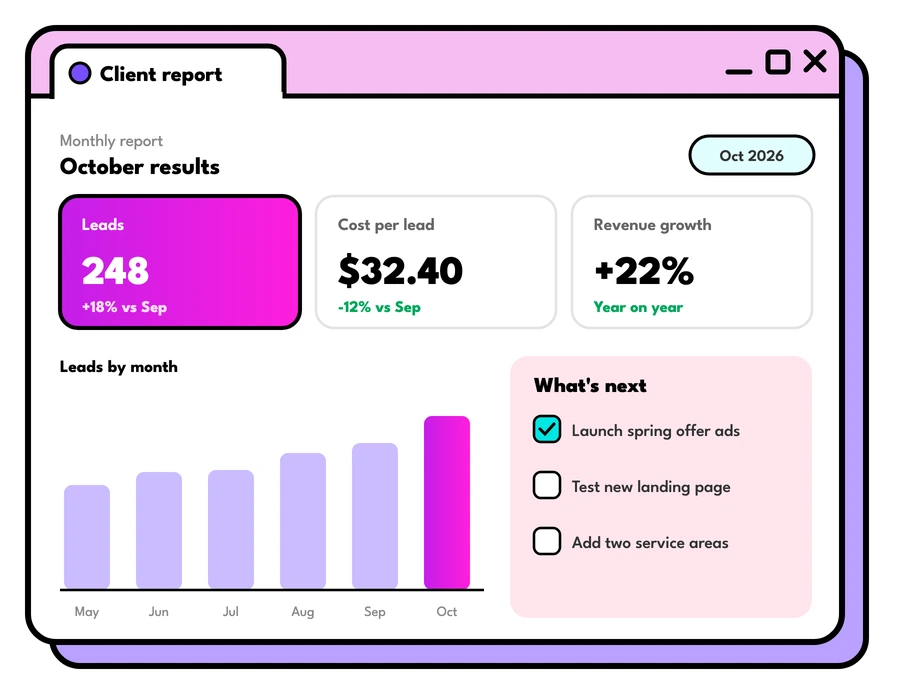
Cost per lead Australia: what a lead costs, by industry
Cost per lead Australia: what Google Ads clicks and leads cost across 13 industries, from Australian search data, and how to work out your own.
Read the guide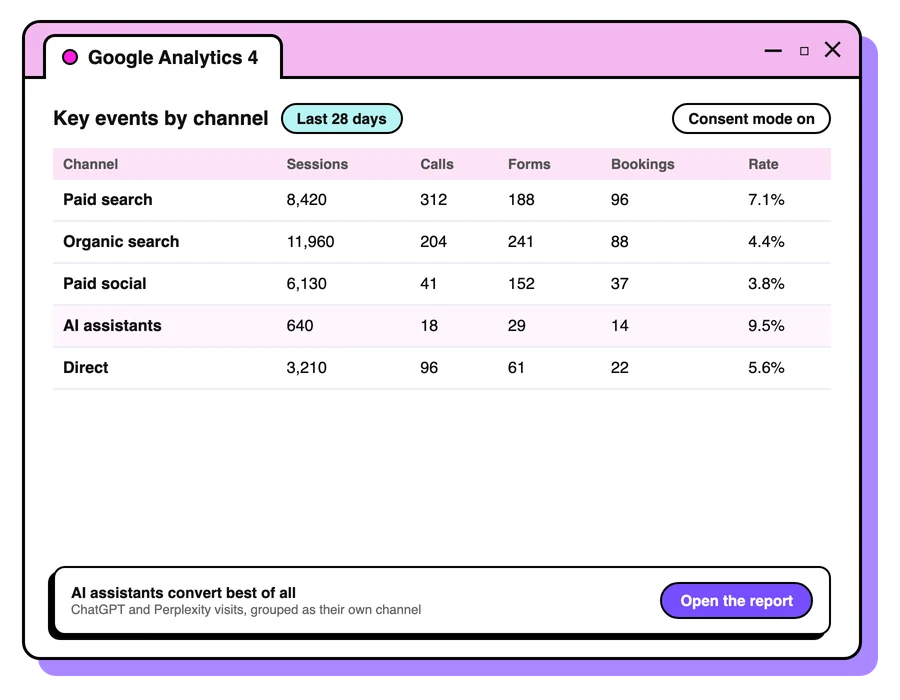
Google Ads vs Facebook ads: which first?
Google Ads vs Facebook ads: how they differ, which to start with for your business, how to set each up to work, and how they help each other.
Read the guide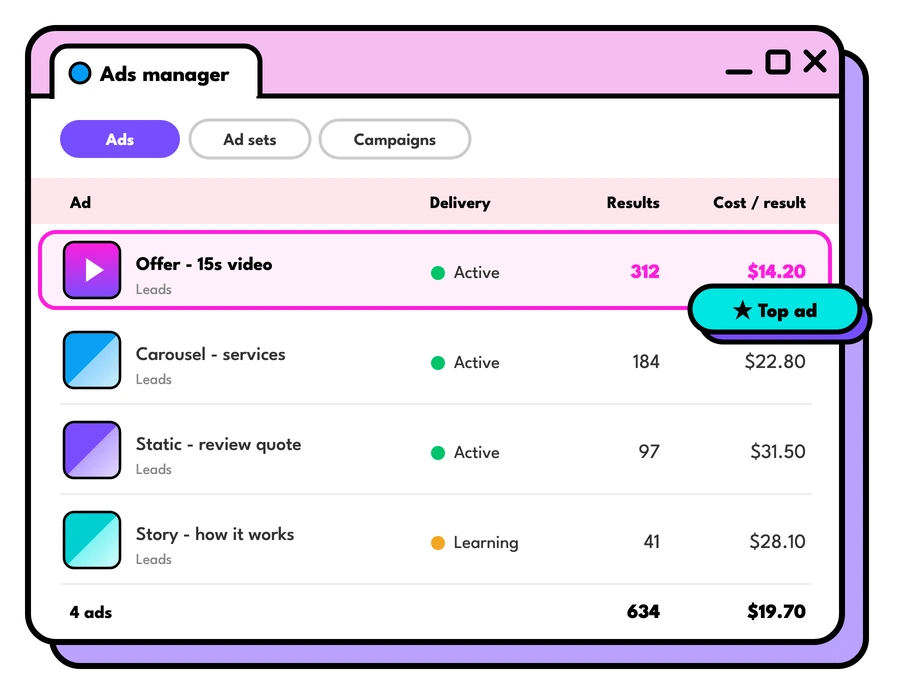
What do Facebook ads cost in Australia?
What Facebook ads cost in Australia: how Meta prices ads, what drives the cost up or down, how to set a budget, and what management fees to expect.
Read the guideLet's talk about your goals
Tell us what you're working towards and we'll show you where we'd start.
Book a strategy call