
How many backlinks does your website have, and how helpful are they in sending good visitors your way? Backlinks make an important contribution to how you rank in search engines, but only when they're relevant, come from a trusted website and send real traffic. Follow these steps to check yours, then build backlinks that bring qualified traffic to your website and help more customers find your products.
What is a backlink?
A backlink is a link to your website from another website. When a blogger, news outlet, supplier or directory links to one of your pages, that link is a backlink. Search engines read good backlinks as a sign that other people value your content, and the people who click them arrive already interested in what you do.
So why are good backlinks so important?
#1 They help your site rank well
The bedrock of Google’s algorithm is links. Good links signal to search engines that your site has valuable content.
#2 They help your site get found
The search engine bots that crawl sites, visit popular pages more often than unpopular ones. So…they might find your site faster if it has a link from one of these popular sites.
#3 They help you get relevant traffic to your site
Links from one site to another points visitors in the direction of relevant or related content which helps in their online journey and help Google connect the dots.
How to know what a good link looks like
A good backlink comes from a website your customers already read, that search engines trust, and that sends real people through to you. Those three things are relevance, authority and traffic, and a high-quality link ticks all three. Look for a website that:
✔️ has relevant content - i.e. something that’s related to your product
✔️ is considered to have ‘authority’ - i.e. it has good quality content
✔️ has a high volume of traffic - i.e. lots of people are interested in the content
The types of links you'll come across
Each link carries a small tag in its code (the rel attribute) that tells Google what type of link it is. These are the main types you'll see when you check your link profile:
- Followed links
A standard link with no tag. These pass ranking credit from one site to another, so they're the type most link building aims for. - Nofollow links (rel="nofollow")
Used when a site wants to link to you without vouching for you. Google treats nofollow as a hint, so these links can still help Google find your pages, and they still send real visitors. - Sponsored links (rel="sponsored")
Paid links, like ads, paid placements and affiliate links. Google asks sites to tag them this way. - User-generated links (rel="ugc")
Links in comments, reviews and forum posts.
A healthy link profile has a natural mix of all four. You can read more in Google's guide to qualifying outbound links.
Anchor text: the words people click
Anchor text is the clickable text in a link. Google uses it to understand what the linked page is about, and so do the people reading it. A link with the anchor text "kids' bamboo pyjamas" tells both of them far more than "click here".
Google's own guidance on anchor text is to keep it descriptive, reasonably short and relevant to both pages, and to write it naturally without forcing keywords in.
These are the anchor text types you'll see in your link reports:
- Branded: your business name, like "Foresight Digital". For most sites this is the biggest group.
- Naked URL: the web address itself, like "foresightdigital.com.au".
- Generic: "read more", "this website" or "here".
- Partial match: a phrase that includes your topic, like "a guide to choosing bamboo pyjamas".
- Exact match: the exact keyword you want to rank for, like "bamboo pyjamas".
When a blogger asks how you'd like to be linked, your brand name or product name is a safe, helpful choice. Asking every site for the same exact match anchor text is a pattern Google lists as link spam, especially in guest posts and press releases. Let the text vary the way it would if people were linking to you on their own.
Why relevance matters most
It's tempting to judge a link by its authority score alone. Relevance is what makes that authority useful. A link from a small parenting blog read by your exact customers can do more for a baby brand than a link from the technology section of a big news site, because it sends people who are ready to buy and tells Google which topic you belong to.
When you're weighing up a site, ask three questions:
- Is the site about something your customers care about?
- Is the page your link sits on about a related topic?
- Would a reader of that page actually want to click through to you?
If the answer to all three is yes, it's a link worth chasing, even if the website is smaller than you'd hoped, because its readers are the people you want to reach.
How to check your backlinks
The quickest free way to check your backlinks is Google Search Console. Open its Links report and look under 'External links'. It shows which websites link to you, which of your pages they link to, and the words they use in each link.
From here, look at the Top linking sites. This will tell you the sites with the most backlinks to your website.
While you're there, open Top linking text. This is the anchor text other sites use when they link to you. You'd expect your brand name near the top. A long list of exact match keywords from sites you don't recognise is worth a closer look.
Remember though, it’s about quality as well as quantity. So to check the quality of those links go to moz.com and use the Link Explorer. Follow the steps there. What you want to see are backlinks where the domain authority is the same or higher than your own website.
Keep an eye out for links from sites that have nothing to do with your business, are in another language, or only exist to list links. Google is generally good at ignoring spammy links you didn't ask for. Its disavow links tool is meant for rarer cases, like a manual action, or paid links built in the past that you can't get removed.
Best backlink strategy for eComm brands
So we now know that backlinking is when other site owners, editors, or webmasters link to your website. For this to work, you need to have great content, a clear value proposition and know where your customers are hanging out online. Here’s a guide to one of the top link building tactics for eCommerce businesses…
- Find relevant sites
Seek out blogs that are on topic for what you sell or targeted at the same audience as your buyers. This can be as simple as Googling “top blogs for…” and then using variations of your target audience such as “new mums”. - Check their domain authority is 20 or more on moz.com
This is important as the aim is to drive quality traffic to your business. It’s about quality here not quantity - Find their contact details.
Do some online stalking and contact the site owner. Their contact details are usually on the site or their social profiles like LinkedIn or X (formerly Twitter) - Reach out and offer to send your product for them to try out and review
Make their job as easy as possible by providing content and even suggest a specific webpage it could be added to on their site - In return they write nice things about your product, maybe adding a few product images or videos (hint: you should provide them!) and post it on their website, at the same time, linking to your site so the readers can find out more.
Here's how that can play out, with made-up numbers. Say a baby sleepwear brand in South Melbourne finds 20 parenting blogs with a domain authority of 20 or more and offers each a set of pyjamas to review. Eight reply, five publish a review, and four of those include a followed link. That's four new referring domains from relevant websites, plus readers who have just seen the product in use. Keep a simple spreadsheet of who you contacted and who replied, so you can follow up a fortnight later.
More link building ideas that work
Product reviews are a great start, and link building works best when you have a few tactics running at once. These are the ones we use most for our clients.
Guest posts
Writing a guest article for a site your customers read puts your expertise in front of a new audience, with a link back to you in your author bio or in the article where it helps the reader. Keep each guest post useful in its own right, pitch it to sites that publish real editorial content, and keep the anchor text natural. Guest posting at scale with keyword-heavy links is exactly what Google's spam policies warn against, so aim for quality and fit over volume.
Digital PR and journalist requests
Journalists are always looking for expert comments, data and stories. Services such as SourceBottle (an Australian one) and Qwoted send out daily requests from reporters, and a quick, helpful reply from your founder or a team expert can earn a mention, and often a link, from a news site or magazine. Original data works well too: a short survey of your customers or a look at your own sales trends can give journalists a story they can't get anywhere else.
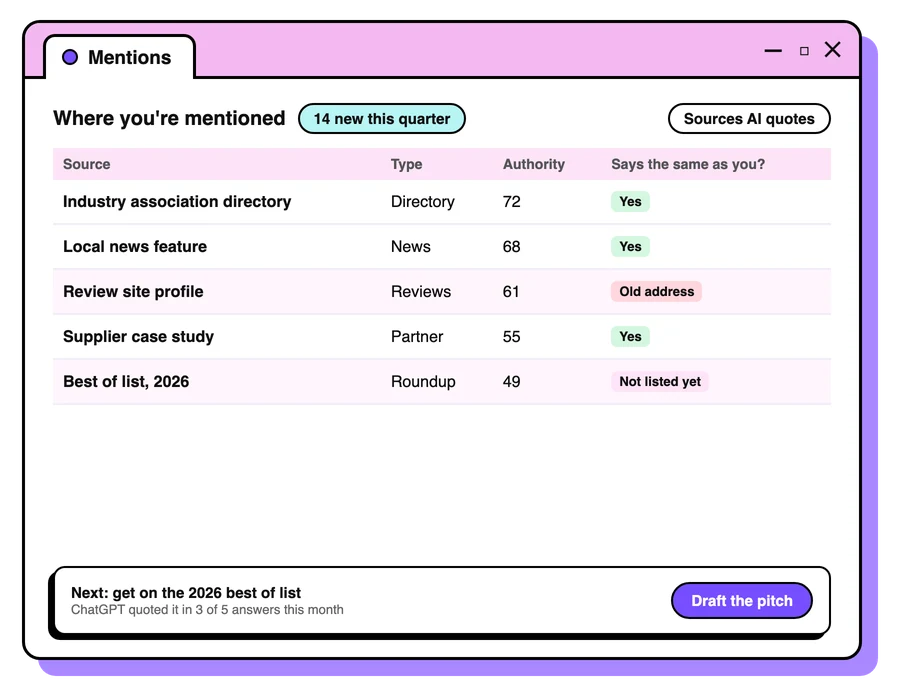
Unlinked brand mentions
Sometimes sites already talk about you without linking. Search for your brand and product names in quotes, note the mentions with no link, and send a friendly note asking if they'd add one. They've already said something nice about you, so it's often the easiest yes you'll get.
Broken link building
Find pages in your niche that link to something that has gone, like a closed-down store or a deleted guide. If you have a page that covers the same thing, let the site owner know about the broken link and suggest yours as the replacement. You're doing them a favour, which makes the request much easier to say yes to.
Suppliers, partners and associations
The businesses you already work with are a natural source of relevant links. Stockists, manufacturers, industry associations, local business groups and event partners often have a "where to buy", "members" or "partners" page. Ask to be listed.
Content worth linking to
The best links are the ones people give you without being asked. Guides, sizing charts, calculators, checklists and original research are the kind of content other sites love to reference. One useful resource for your audience can keep attracting links for years.
Building high-quality links the way Google wants
Google's spam policies spell out the link building it treats as manipulation. The main ones to steer clear of:
- Buying or selling links that pass ranking credit, including paid articles where the link isn't tagged as sponsored
- Excessive link swaps ("you link to me, I'll link to you") and partner pages that only exist to swap links
- Automated programs or services that create links for you
- Guest posts or press releases stuffed with keyword-rich anchor text
- Low-quality directories and bookmarking sites
- Links spread across the footers or templates of lots of sites
Since its December 2022 link spam update, Google has used its spam-detection system, SpamBrain, to spot unnatural links and neutralise the credit they pass. In plain terms, money spent on dodgy links is usually money wasted, and it can also lead to a manual action against your site. If someone offers you "100 high-DA links for $99", walk away.
How many links do you need?
There's no magic number. What matters is how your links compare with the sites ranking above you for the searches you care about. Here's how we set a target:
- List the three to five sites that rank on page one for your most important keywords.
- Use a tool like Moz Link Explorer or Ahrefs to see how many different websites (referring domains) link to each of them.
- Look at where their links come from, and note the relevant sites that link to several of your competitors but not to you. That's your shortlist.
- Aim for a steady flow of new, relevant links every month. A slow, consistent build looks far more natural than a sudden spike.
Count referring domains, the number of different sites linking to you, over total links. Ten links from ten relevant sites are worth much more than a hundred links from one.
Do links still matter for AI search?
Yes. Google says the usual SEO best practices still apply to its AI features, including AI Overviews and AI Mode, and that there's nothing extra you need to do to appear in them. Your pages need to be indexed and eligible to show in Search, and good links help Google find, crawl and trust your pages in the first place. Being talked about on the sites your customers read also gives AI assistants more sources that mention you.
Dofollow vs nofollow: which do you need?
"Dofollow" is the everyday name for a followed link: a standard link with no rel tag. There's no actual dofollow tag in the code; a link counts as followed unless it carries nofollow, sponsored or ugc.
Followed links pass ranking credit, so most link building aims for them. Nofollow links still earn their place: they send real visitors, Google can use them as a hint to find pages, and a natural link profile includes plenty of them. A profile made up entirely of followed links can look manufactured.
To check a link's tag, right-click it in Chrome, choose Inspect, and look for rel="nofollow", rel="sponsored" or rel="ugc" in the highlighted code. Most backlink tools also show the tag for each link.
What is domain authority?
Domain Authority (DA) is a score from 1 to 100 created by Moz to estimate how well a website is likely to rank compared with others, built largely from the links pointing to it. Other tools have their own versions, such as Ahrefs' Domain Rating.
It's handy for sizing up a website quickly, which is why it appears in the outreach steps above. Keep two things in mind. Moz itself describes Domain Authority as a comparative metric and says it isn't a direct ranking factor, so a higher score doesn't guarantee better rankings. And scores are relative: a DA of 30 might be strong in a small niche and modest in a crowded one, so compare against the businesses you actually compete with.
Social media and online mentions
Links in social media posts and profiles are usually tagged nofollow, so they pass little ranking credit on their own. Social still plays a part in link building:
- Content that gets shared reaches journalists, bloggers and business owners who may link to it from their own websites.
- Being active where your customers spend time makes your brand familiar, and people are more likely to reply to outreach from a brand they recognise.
- Mentions of your brand in news articles, forums, podcasts and reviews help people find and trust you, even without a link, and each one is a chance to ask for a link.
- Complete social profiles that link to your website help people searching your name find the right business.
Choosing a backlink checker
Google Search Console is free and shows the links Google has found to your website, so it's the best place to start. A dedicated backlink checker, such as Moz Link Explorer, Ahrefs or Semrush, adds the detail Search Console leaves out: authority scores, the rel tag on each link, when links were found or lost, and your competitors' links.
Each tool crawls the web on its own, so their totals won't match each other or Search Console. Choose one backlink checker and stay with it, so you're comparing like with like each month. Watch the trend in referring domains and the new and lost links more closely than any single total.
What matters most for a backlink in SEO
Every backlink in SEO is weighed on a few things: how relevant the linking page is to you, how trusted and well read the website is, whether the link is followed, and whether it was earned naturally. A handful of links that tick every box will do more for you than hundreds that tick none.
- Check your links in Search Console every month or two, and use one backlink checker for the detail.
- Chase relevance first, then authority and traffic.
- Run a mix of tactics: product reviews, guest posts, digital PR, unlinked mentions and content worth linking to.
- Stay well clear of paid and automated links.
- Build steadily, and count referring domains ahead of total links.
Is page authority important for backlinks?
Page authority matters, though relevance comes first. Page Authority (PA) is a score from Moz, from one to 100, that predicts how well a single page is likely to rank in search engines, where Domain Authority scores the whole website. A link from a page with high page authority usually carries more value, because that page has strong links of its own. Moz says Page Authority is a comparative metric and is not an acknowledged Google ranking factor, so use it to compare pages.
A useful idea is to check both scores when you shortlist websites. Say two parenting blogs each have a domain authority of 35. On one, your review would sit on a new page with no links pointing to it yet. On the other, it would be added to a popular gift guide that other websites already link to. The second link is worth more, because the page itself is trusted and read. Use page authority to choose between good options once relevance and traffic check out.


Keep reading
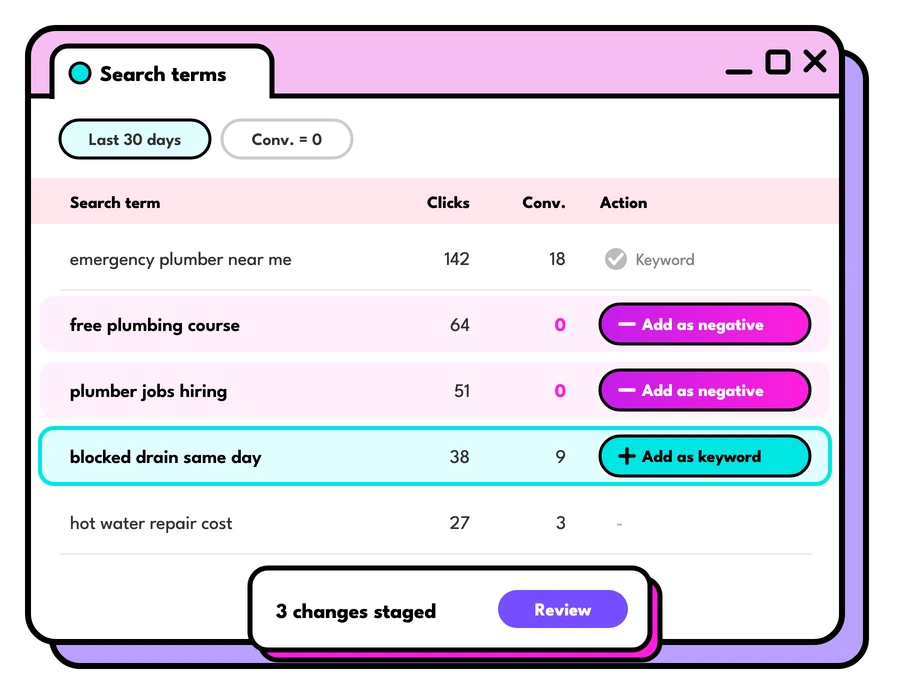
Google Ads search terms report
How to use the Google Ads search terms report to find new keywords, cut wasted spend and win more of the traffic that turns into enquiries.
Read the guide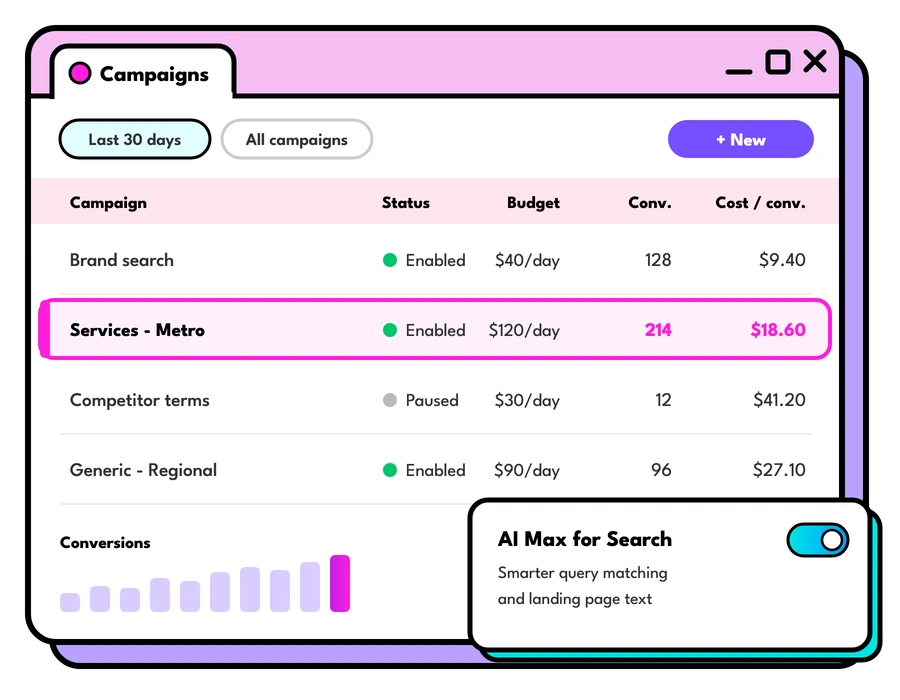
Google Ads cost in Australia
What Google Ads cost in Australia and how to set your daily budget: how Google spends it, what changes the cost per click, and where to start.
Read the guide
The Facebook ad creative that works
If you could only use one Facebook ad creative, this is the one we'd pick, why it works so well, and how to make your own version of it.
Read the guideLet's talk about your goals
Tell us what you're working towards and we'll show you where we'd start.
Book a strategy call