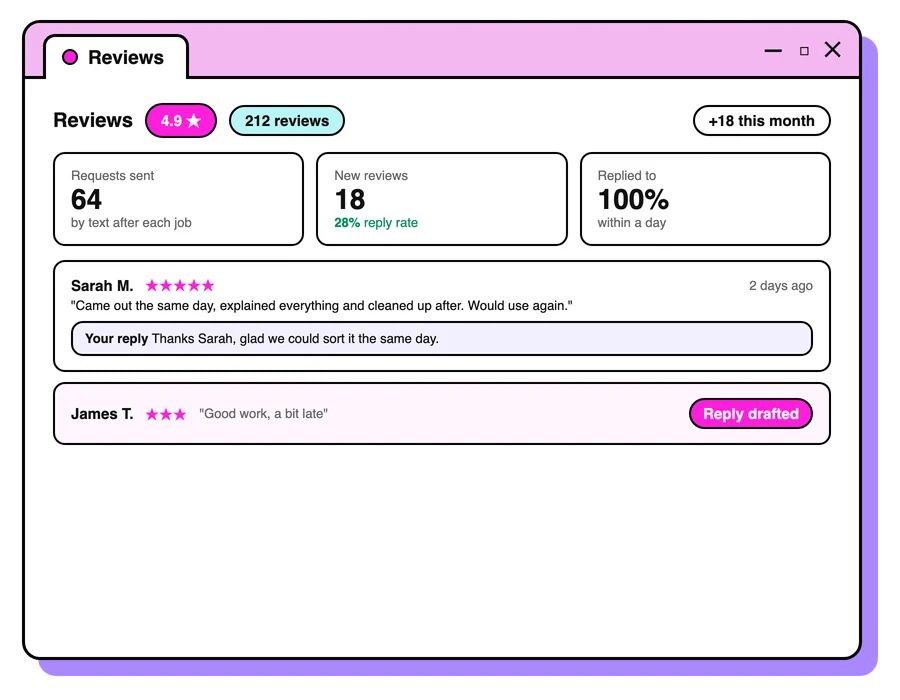


Respond to social media post comments to both protect and build your brand? Of course you do! It’s a total no brainer.
But what about when you run ads and people make comments on those ads? In many cases, companies outsource advertising to a third party and so their founders or marketing team are completely unaware of the conversations that are happening on these ads that they’re paying for.
What to do
Get live links to your ads so you can watch for comments and…
- Actually respond!
- Acknowledge and be kind
- Listen to feedback. If enough people are saying negative things, maybe they’re onto something. It might be time to head back to the drawing board.
What not to do
Here’s what you shouldn’t do when you’re responding to ad comments…
- Don’t template all responses. It’s easy for people to see this as disingenuous.
- Don’t get caught up in a convo with a troll. Not worth your energy.
Let’s get technical
Here’s how to respond to comments.
- Go to Ads Manager
- At the ad level, tick the box next to your chosen ad, then click Edit under the ad name to open the side panel
- Open the See post drop-down above the ad preview on the right
- Choose Facebook post with comments or Instagram post with comments (Meta renames these menus from time to time, so look for the closest match)


Keep reading
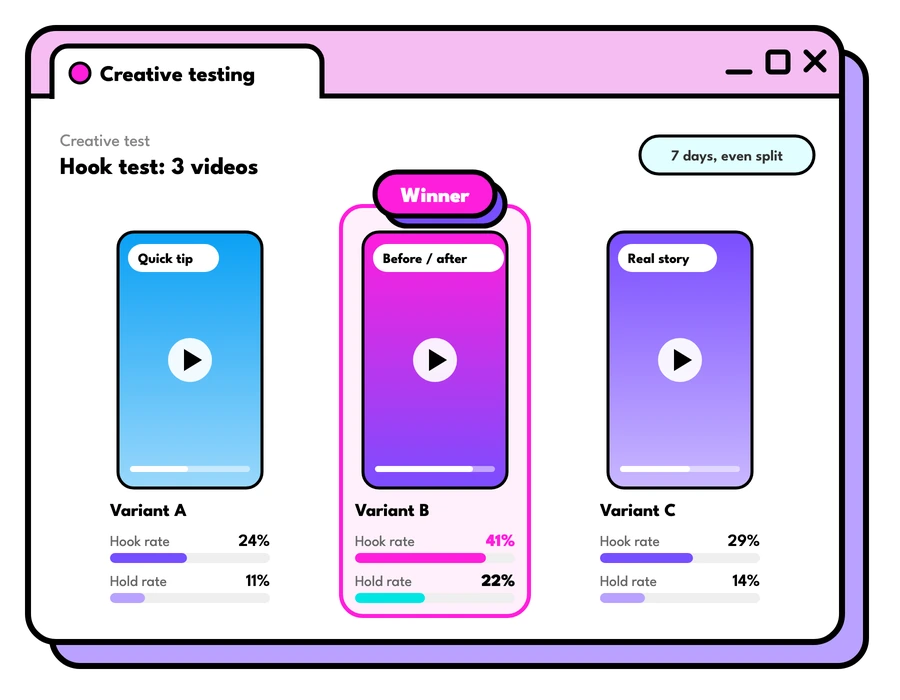
The Facebook ad creative that works
If you could only use one Facebook ad creative, this is the one we'd pick, why it works so well, and how to make your own version of it.
Read the guide
Google Ads vs Facebook ads: which first?
Google Ads vs Facebook ads: how they differ, which to start with for your business, how to set each up to work, and how they help each other.
Read the guide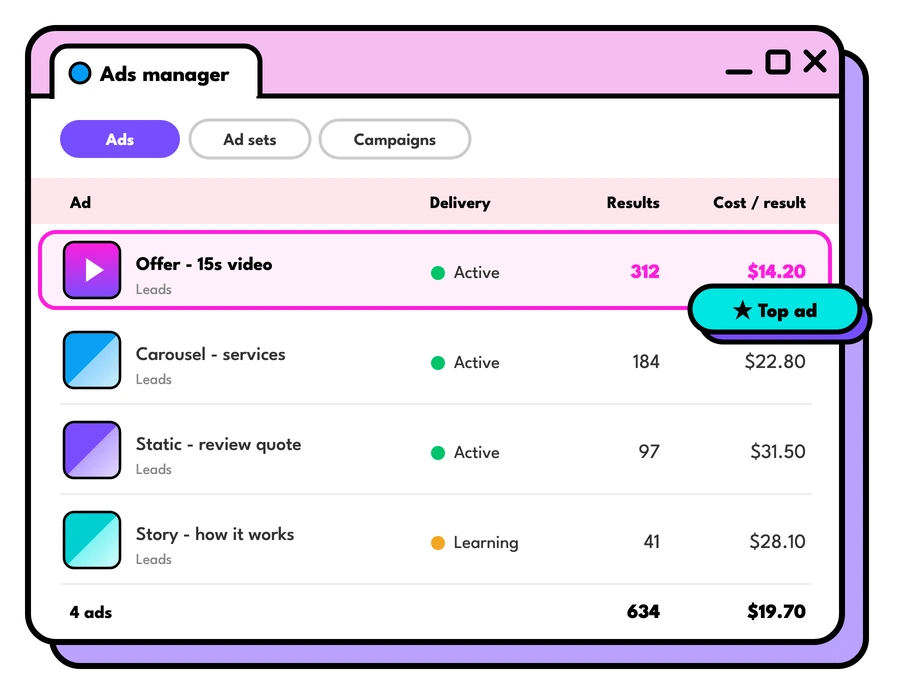
What do Facebook ads cost in Australia?
What Facebook ads cost in Australia: how Meta prices ads, what drives the cost up or down, how to set a budget, and what management fees to expect.
Read the guideLet's talk about your goals
Tell us what you're working towards and we'll show you where we'd start.
Book a strategy call