14 SEO mistakes to avoid
The SEO mistakes we see on ecommerce websites, and how to fix each one.
Book a call

Every shopper who finds your store through Google is a visit you didn't pay a click for, which makes SEO one of the biggest opportunities an ecommerce brand has. Below are 14 SEO mistakes we see on online stores, from reviews and product descriptions to internal links and site speed, with what to do instead for each one.
And Australians are buying online more than ever. Australia Post's 2026 eCommerce Report found a record 9.8 million households (82% of Australian households) shopped online in 2025, spending $82.6 billion. Every one of those shoppers had to find a store first, so these SEO mistakes are worth fixing.
Neglecting Customer Reviews
Stats show that most people read customer reviews before they buy. BrightLocal's 2026 Local Consumer Review Survey found 97% of consumers read reviews for local businesses, and 41% say they always do.
What does this mean for you?
Positive reviews improve the trustworthiness and reputation of a business. That can lift click-through rates and website traffic, and for local searches Google counts reviews as part of how it ranks businesses on the map, so reviews feed into your search engine rankings.
Keep in mind your Google Business Profile rolls every review into one star rating, so one bad review can impact your total score. So, ask for those reviews. Respond within 48 hours. Give those reviews some love. BrightLocal found 89% of consumers expect a business to respond to reviews, and 32% expect a reply by the next day.
Weak Product Descriptions
You may not be as optimised for your customer’s search terms as you think you are. If you have only a little bit of text, and if you tend to favour your own brand description of your product category (rather than what people generally call it), you may be missing out.
Remember, search engine crawlers sift through your content to determine if your page is relevant for the searcher. So, your word choice matters. Only write quality descriptive content that helps your customers make better purchasing decisions.
Using Non-Unique Headings
It's important to make your page headings (H1s) unique to target the relevant info your customer might be searching. One effective formula is the "brand-model" H1 recipe, which involves structuring your H1 as follows: Brand - Model - Item Type. For instance, "Nike Air Walkers - Women's Size 8"
Keyword research goes a long way when it comes to working out what your customers are looking for. If shoppers search "women's trail running shoes" more than the name of your range, put the words they use in your H1 recipe.
Optimising for the Wrong Terms
Don't rely solely on your own assumptions about how people search, or you may end up optimising for terms that no one is actually searching for. To find the right keywords, use a keyword research tool and focus on finding keywords that have high search volume and are easy to rank for, then naturally weave them into your website.
Longer, more specific searches (often called long-tail keywords), like "organic cotton baby sleeping bag 2.5 tog", usually have fewer searches but much clearer intent, and they're easier to rank for. A handful of these on each product or category page adds up quickly.
HOT TIP: Don't be afraid to target harder keywords on your most important category pages. If your site already ranks for related searches and other websites link to you, a competitive keyword can be worth the extra effort.
Poor URL Structure
If your URLs are long, confusing, or contain random strings of characters, search engines and shoppers may struggle to tell what your pages are about. Google's URL structure guidelines recommend readable words over long ID numbers and hyphens between words, so a URL like /womens-linen-shirt-dress beats /product?id=48213. A well-optimised product title usually makes a great starting point for the URL.
Excessive Duplicate Content
Similar content across a website can confuse search engines and make it difficult for them to determine which page to rank for a particular search query. This can lead to lower search rankings, decreased organic traffic, and ultimately, fewer sales.
Online stores often create duplicates without anyone noticing: the same product reached through several collection or filter URLs, tracking parameters added to links, or colour variants with near-identical descriptions. The fix is to tell Google which version is the main one, using a canonical tag or a redirect. On Shopify this needs a specific technical fix, so reach out to us if you need a hand.
Keyword Stuffing
Keyword stuffing is cramming the same keyword into a page over and over in the hope Google will rank it higher. Think product descriptions that repeat "cheap women's running shoes" in every sentence, or a block of suburb names at the bottom of a page.
It used to work, a long time ago. Today Google lists keyword stuffing in its spam policies, and it reads badly for your customers too.
What to do instead: write for the person reading. Use your main keyword in the page title, the H1 and early in the copy, then use the natural variations and related words people actually use: sizes, materials, uses and the problems your product solves. If a sentence sounds odd when you read it out loud, rewrite it.
Ignoring Search Intent
Search intent is the reason behind a search. Someone typing "best running shoes for flat feet" wants to compare options. Someone typing "buy women's trail running shoes size 9" is ready to purchase. Someone typing "how to clean white sneakers" wants a how-to.
Google ranks the type of page that best matches that reason. If you try to rank a category page for a "how to" search, or a blog post for a "buy" search, you'll struggle however well the page is optimised.
What to do instead: before you write or optimise a page, search your keyword in Google and look at what ranks on page one. Are they product pages, category pages, guides or comparison articles? Match the format, then make yours more useful than what's already there.
Forgetting Alt Text on Images
Alt text is a short written description of an image, added in the image's settings. Screen readers read it out to people with low vision, and Google uses it, along with the page around the image, to understand what the image shows. See Google's image SEO best practices.
For ecommerce sites this matters twice over, because your product images can show up in Google Images and shopping results, where shoppers browse by picture. Missing alt text makes it much harder for Google to show your products there.
What to do instead: describe each image plainly and specifically, like "Women's navy linen shirt dress with tie waist, front view". Keep it short, skip "image of", and leave out keyword lists. Most platforms, including Shopify, have an alt text field on every product image.
Neglecting Local SEO
If you have a physical store, a showroom or a service area, local search is where a lot of your customers will find you. Searches like "gift shop near me" or "florist Richmond" show a map with a handful of businesses at the top, and those spots come from Google Business Profile.
What to do instead:
- Claim and verify your Google Business Profile, then fill in every field: categories, opening hours, products, services and photos.
- Keep your business name, address and phone number exactly the same on your website, your profile and any directories.
- Give each location its own page on your website with its address, hours and details.
- Keep collecting and replying to reviews. Google says positive reviews can improve your local ranking.
- Post updates and offers to your profile so customers can see what's new.
Ignoring Page Speed
People don't wait for slow pages, and Google knows it. Google's ranking systems reward good page experience, and it measures part of that with a set of metrics called Core Web Vitals:
- Largest Contentful Paint (LCP): how quickly the main content loads. Aim for 2.5 seconds or less.
- Interaction to Next Paint (INP): how quickly the page responds when someone taps or clicks. Aim for 200 milliseconds or less. INP replaced the older First Input Delay metric in March 2024.
- Cumulative Layout Shift (CLS): how much the page jumps around while it loads. Aim for 0.1 or less.
You can see how your pages score in the Core Web Vitals report in Google Search Console, or test any page with PageSpeed Insights.
What to do instead: compress and resize images (modern formats like WebP help), remove apps and plugins you no longer use, go easy on heavy sliders and pop-ups, and always test on a phone, because Google looks at the mobile version of your site first.
How to check your site for these SEO mistakes
You don't need expensive software to find most of these. Here's a quick check you can run this week:
- Open Google Search Console. Check the Pages report for pages that aren't indexed, and the Core Web Vitals report for slow pages.
- In the Performance report, look at the searches people use to find you. Are they the terms you've optimised for?
- Search your top three keywords and compare the pages that rank with yours: their format, their length and how well they answer the search.
- Spot check ten product pages for a unique heading, a solid description and alt text on every image.
- Check your Google Business Profile is complete and your latest reviews have replies.
Then fix the biggest problems first: pages that aren't indexed, then slow templates, then the pages that earn the most revenue. Small, steady fixes add up, and Search Console shows you whether they're working.
We get it, SEO is tricky, and some of these fixes, such as duplicate content and site speed, need a developer's hand. If you'd like a second pair of eyes on your store, reach out. We're here to help.
Bad internal linking
Internal links are the links from one page of your website to another: your menu, breadcrumbs, links between related products and links in your blog posts. They help shoppers find their way around, and Google uses links to find new pages and judge what each one is about. Google's guide to link best practices says every page you care about should have a link from at least one other page on your website.
The internal linking problems we see most on online stores:
- Category pages that only appear in a drop-down menu, with no links from anywhere else.
- Product pages with no links to related products, accessories or their own category.
- Blog posts and guides that never link to the products they talk about.
- Orphan pages that nothing links to, often old landing pages or products added outside the main catalogue.
- Vague anchor text such as "click here" where a descriptive phrase would tell shoppers and Google what's on the other side.
What to do instead: link your most important categories from the home page and main menu, add breadcrumbs, show related products on each product page, and link from every guide to the products it mentions with descriptive anchor text. In Google Search Console, the Links report lists your top internally linked pages. If your best-selling categories sit near the bottom of that list, give them more internal links.
Several pages chasing one keyword
Choosing the right keywords is half of keyword research. The other half is deciding which page each keyword belongs to. When a category page, a collection page and a blog post all target "linen dresses", they compete with each other, and Google may rank the weaker page or switch between them.
What to do instead: make a simple keyword map, a spreadsheet with one row per page and the main keyword it targets. Give each important keyword one home: usually a category page for buying searches and a guide for "how to" or "best" searches. Where two pages overlap, merge them and redirect the old address to the one you keep, or rework one page to target a different search.
To find overlaps, open the Performance report in Search Console, filter by a search query and check the Pages tab. If several pages share the clicks for one search, they're competing.
Site speed slowed by add-ons
Online stores rarely get slow overnight. Site speed slips gradually as apps, widgets and features pile up, so it's worth a check every few months on top of the page speed fixes above.
- Third-party scripts: chat widgets, review widgets, pop-up tools and tracking tags each add code that loads on every page. List what's installed and remove anything nobody uses.
- Fonts: every extra typeface and weight is another file to download. Two font families, with only the weights you use, is plenty.
- Video: autoplaying hero videos are heavy on a phone. Use a still image with a play button, or a short, compressed clip.
- Your theme: heavily customised or outdated themes can carry code you no longer need. Before you launch a redesign, test the new theme's speed.
Test your home page, a category page and a product page in PageSpeed Insights, because each template loads differently. Keep a note of the scores so you can tell when site speed drops after a new app or feature goes live.
Key takeaways
Most SEO mistakes on online stores fall into three groups: content that doesn't match what shoppers search for, technical SEO problems that stop Google finding or loading your pages, and trust signals such as reviews that are left to chance.
- Write unique headings and descriptions in the words your customers use, and match the type of page that already ranks.
- Give each keyword one home page, and link to your important categories from across the site.
- Keep the technical SEO basics in order: clean URLs, one canonical version of each page, alt text on every image and fast templates.
- Ask for reviews, reply to them, and keep your Google Business Profile complete.
- Check Search Console every month, and fix the problems on your highest-earning pages first.


Keep reading
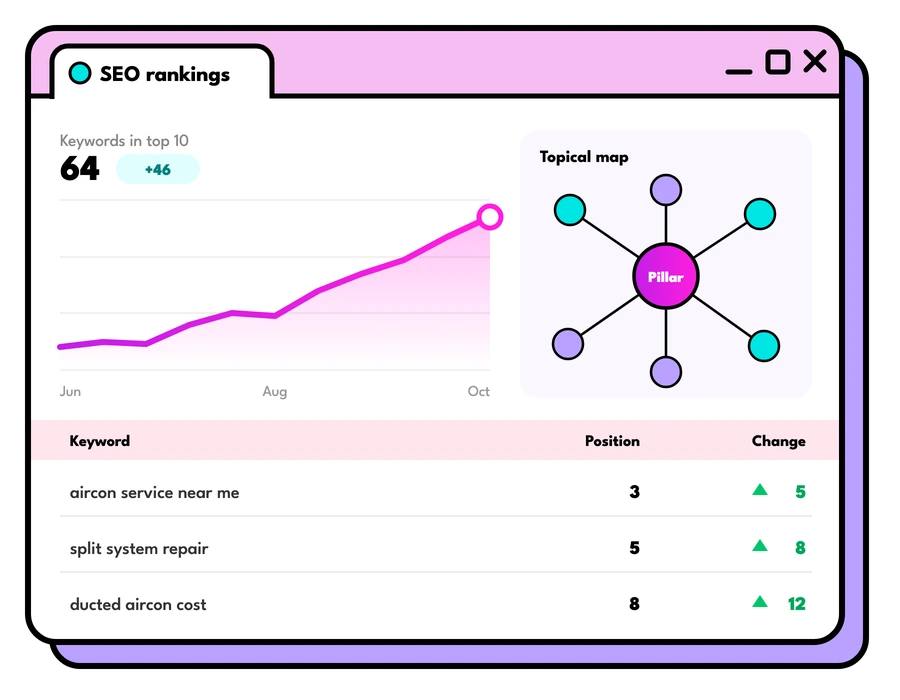
SEO pricing Australia: what SEO and ads cost
SEO pricing Australia: what SEO and Google and Meta ads management cost, what moves the price, and our own starting prices, before you ask.
Read the guide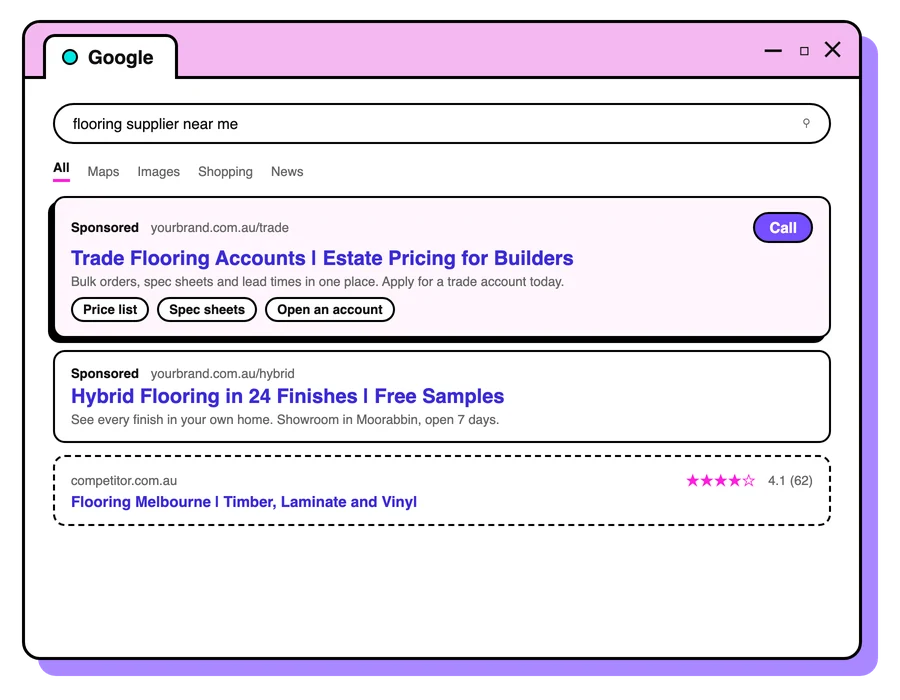
SEO vs PPC: which should you invest in?
SEO vs PPC: how organic search and paid ads differ in cost, speed and staying power, when to choose each, and how they work best together.
Read the guide
Generative engine optimisation (GEO)
What generative engine optimisation (GEO) is, how it compares with AEO and AI SEO, and what Australians actually search, from Ahrefs data.
Read the guideLet's talk about your goals
Tell us what you're working towards and we'll show you where we'd start.
Book a strategy call